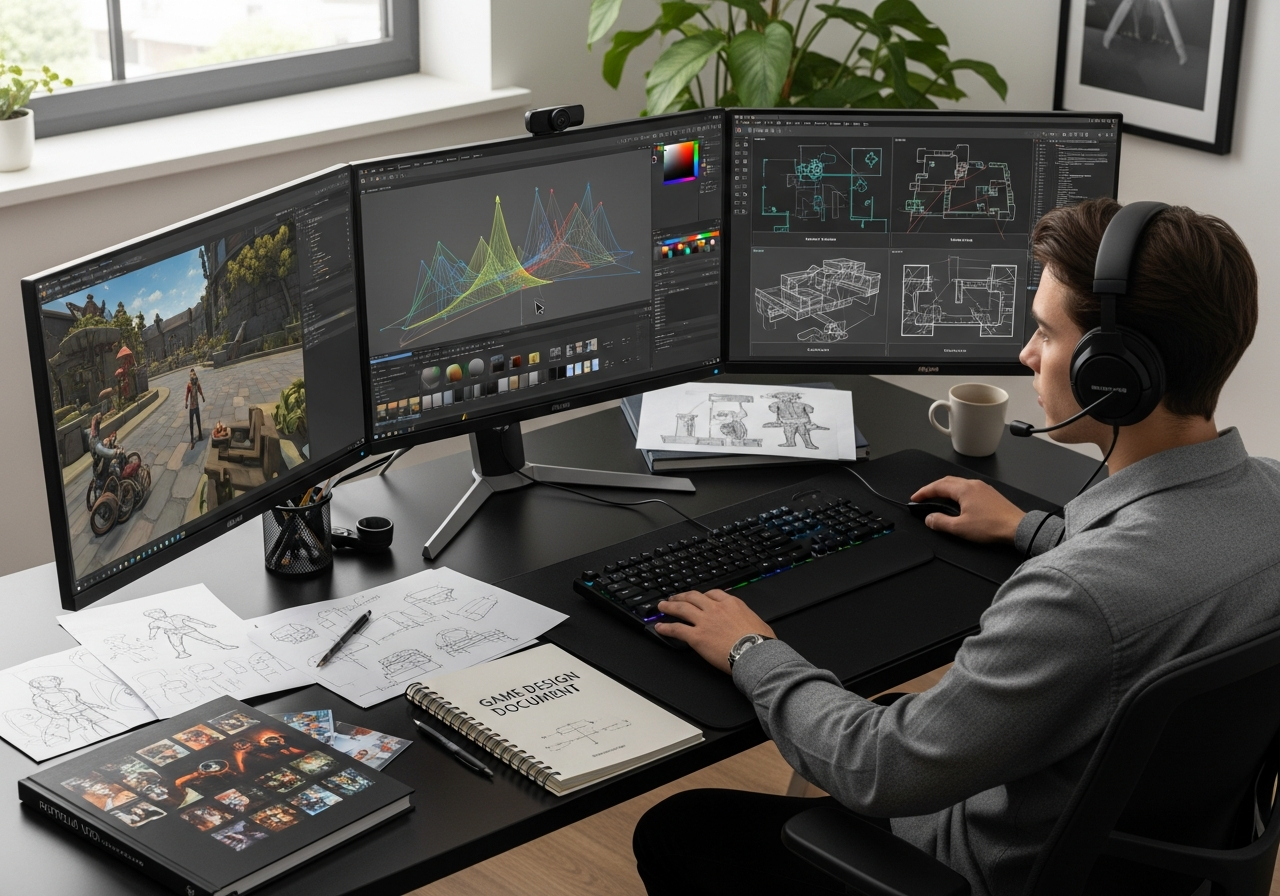
Preparing for a game level design test as part of Canadian college admissions requires understanding what these tests actually measure and how they fit into your overall application strategy. This guide focuses specifically on the admissions context, helping you understand test expectations, prepare your portfolio materials, and ensure submission readiness for Canadian game design programs.
Canadian colleges and technical institutes vary significantly in their requirements and program emphasis, from highly artistic approaches at institutions like Sheridan College to more technical pathways at Algonquin College. Your preparation strategy should align with each specific program’s expectations while building transferable skills that demonstrate your potential as a level designer.
Understand What Canadian Colleges Mean by a Level Design Test
A level design test in the Canadian college admissions context serves as both a creative assessment and an aptitude evaluation. These tests measure your ability to think spatially, solve design problems, and communicate your ideas clearly through visual and written formats. Unlike professional level design work, admissions tests prioritize demonstrating potential over polished execution.
The primary purpose extends beyond evaluating artistic skill to assess logical thinking, spatial reasoning, and your capacity to learn complex design concepts. Admissions committees use these tests to identify students who can handle the analytical demands of game design coursework while showing creative problem-solving abilities.
Canadian programs particularly value clear communication skills, as many graduates work in collaborative studio environments. Your test performance signals not just design aptitude but also your readiness for English-language instruction and technical communication requirements.
Most importantly, these tests check whether you understand player experience fundamentals—how people move through spaces, encounter challenges, and progress through difficulty curves. This foundational thinking translates directly to program curriculum expectations.
Typical admissions expectations for game and level design programs
| Requirement | What colleges may look for | Why it matters |
|---|---|---|
| English proficiency | Grade 12 English or equivalent, clear written explanations | Design documentation, team communication, client presentations |
| Math competency | Grade 11-12 math, spatial reasoning, basic geometry | 3D coordinate systems, level metrics, technical problem solving |
| Computer literacy | File management, basic software navigation, digital portfolio creation | Game engines, asset management, version control systems |
| Creative aptitude | Original thinking, visual composition, iterative problem solving | Innovative level concepts, player engagement, artistic vision |
| Portfolio readiness | Organized work samples, process documentation, reflection notes | Professional presentation skills, self-directed learning ability |
What the test usually evaluates
- Problem-solving approach: How you break down design challenges and develop solutions systematically
- Layout logic and flow: Your understanding of how players navigate spaces and encounter gameplay elements
- Pacing and difficulty progression: Ability to structure experiences that maintain engagement without overwhelming players
- Player psychology awareness: Recognition of how design choices affect player behavior and emotional responses
- Communication clarity: Skill in explaining design decisions through annotations, diagrams, and written rationale
- Iterative thinking: Evidence that you can refine ideas based on feedback or testing considerations
Research the Program Before You Start the Test
- Review specific program curriculum and focus areas to understand whether they emphasize artistic design, technical implementation, or balanced approaches
- Check portfolio requirements and submission formats including file types, size limits, and required supporting materials
- Note application deadlines and any prerequisite courses that might affect your eligibility or preparation timeline
- Research faculty backgrounds and program partnerships to understand industry connections and teaching philosophy
- Contact admissions offices directly to clarify any ambiguous requirements or ask about successful application examples
- Connect with current students or alumni through social media or program events to gain insider perspectives
- Understand international student requirements if applicable, including language testing and credential evaluation processes
Read course pages, admission rules, and portfolio guidance
Sheridan College’s Game Design program emphasizes collaborative development and strong artistic foundations, requiring portfolios that demonstrate both creative vision and technical understanding. Their admissions process specifically looks for evidence of iterative design thinking and clear communication skills.
Algonquin College takes a more technical approach, with strong emphasis on programming integration and industry-standard tool proficiency. Their level design requirements often include basic scripting knowledge and familiarity with professional game engines.
Always confirm requirements directly with each institution, as program details change annually and online information may not reflect current standards. Contact admissions offices well before deadlines to ensure you’re working with accurate, up-to-date requirements.
Build the Core Skills the Test Will Measure
| Skill | What to practice | How it appears in a test |
|---|---|---|
| Spatial reasoning | 3D visualization, floor plan reading, perspective drawing | Top-down maps, isometric sketches, blockout layouts |
| Player flow analysis | Studying existing game levels, mapping movement patterns | Annotated path diagrams, encounter placement rationale |
| Design documentation | Writing clear explanations, creating reference sheets | Design rationale paragraphs, feature descriptions |
| Iterative design | Sketching multiple versions, documenting changes | Process sheets showing evolution, revision notes |
| Technical communication | Industry terminology, precise language use | Professional vocabulary in explanations, accurate diagrams |
| Visual composition | Basic art fundamentals, layout principles | Well-organized presentation materials, clear visual hierarchy |
Focus on developing transferable thinking skills rather than memorizing software features or industry trivia. Admissions committees evaluate your potential to learn and grow, not your current technical proficiency with specific tools.
Practice connecting abstract design concepts to concrete player experiences. When you understand why certain layouts work better than others, you can apply those principles regardless of the specific test scenario or constraints.
Build your ability to work within constraints, as most admissions tests deliberately limit time, tools, or scope to assess how you prioritize and make decisions under pressure.
Develop comfort with both visual and written communication, since successful level designers must collaborate with artists, programmers, and producers who have different technical backgrounds and communication preferences.
Spatial layout and player flow
Understanding how players move through 3D space forms the foundation of effective level design. Practice analyzing existing game levels to identify landmarks, chokepoints, and flow patterns that guide player movement naturally without feeling restrictive.
Study how successful levels use environmental storytelling and visual cues to communicate gameplay possibilities. Players should understand their options and objectives through spatial design rather than relying heavily on text instructions or explicit guidance systems.
Focus on readability—the quality that allows players to quickly understand spaces and make informed decisions about where to go next. Clear sightlines, consistent visual language, and logical progression create readable, enjoyable experiences.
Logic, iteration, and written explanation
Level design tests often require written explanations of your design decisions, demonstrating your ability to think critically about player experience and communicate rationale clearly. Practice explaining why specific choices support gameplay goals rather than just describing what elements you included.
Document your iteration process, showing how you identified problems and developed solutions. Admissions committees value evidence of reflective thinking and systematic problem-solving over perfect initial concepts.
Strong written communication skills directly translate to professional success, as level designers must create documentation for development teams, justify design decisions to stakeholders, and collaborate effectively across disciplines.
Choose the Right Tools and Workflow
| Tool or method | Best use | Pros | Limits |
|---|---|---|---|
| Paper sketching | Initial ideation, quick iterations | Fast, flexible, no technical barriers | Limited precision, scanning required |
| Digital drawing tools | Clean diagrams, annotations | Professional appearance, easy editing | Learning curve, software access needed |
| Game engine blockouts | Spatial testing, 3D visualization | Realistic scale, walkthrough capability | Time-intensive, technical complexity |
| Level editing software | Detailed implementation, asset placement | Industry-standard workflow, precise control | Steep learning curve, may distract from core concepts |
Select tools that support your thinking process rather than impressive visual output. Many successful admissions portfolios use simple sketches and clear annotations rather than polished 3D environments that took weeks to create.
Consider your time constraints and technical comfort level when choosing workflow approaches. A well-reasoned paper sketch with thoughtful annotations often demonstrates stronger design thinking than a technically impressive but conceptually weak digital creation.
Practice your chosen workflow before the actual test to identify potential technical issues, time sinks, or learning gaps that could interfere with your performance under pressure.
Keep backup options available, since technical problems with software or hardware can derail even well-prepared candidates. Simple tools with reliable access often outperform complex solutions that fail at critical moments.
From sketch to blockout to final presentation
- Start with concept analysis: Read the prompt carefully and identify key constraints, objectives, and evaluation criteria before beginning any visual work
- Create rough layout sketches: Develop multiple quick ideas focusing on core spatial relationships and player flow patterns rather than detailed aesthetics
- Select and refine your strongest concept: Choose the layout that best addresses the prompt requirements while showcasing your design thinking capabilities
- Build a simple blockout or detailed diagram: Translate your sketch into a more precise format that clearly communicates scale, proportions, and spatial relationships
- Add annotations and explanations: Document your design decisions, explaining how specific choices support gameplay goals and player experience
- Review for clarity and completeness: Ensure your submission clearly communicates your ideas and addresses all prompt requirements
- Resist over-polishing: Stop adding details once your core concept is clearly communicated—focus on substance over surface appeal
Plan Your Time for a Timed Design Test
- Allocate 15-20% of time to prompt analysis and planning before starting any creative work to ensure you understand requirements completely
- Reserve 50-60% for core design work including initial sketches, layout development, and primary documentation
- Use 15-20% for annotations and explanations that demonstrate your design reasoning and decision-making process
- Save 10-15% for final review and cleanup to ensure submission completeness and professional presentation
- Set checkpoint timers to avoid spending excessive time on any single element at the expense of overall completion
- Identify your minimum viable submission early so you have a complete baseline to improve upon rather than risking an incomplete final product
Use a staged timeline to avoid getting stuck
Break your test time into distinct phases with specific deliverables and time limits. This prevents perfectionism in early stages from consuming time needed for essential later work like annotations and final review.
Build in transition time between phases to step back, evaluate your progress objectively, and make strategic decisions about where to focus your remaining effort for maximum impact.
Plan buffer time for unexpected challenges like technical difficulties, creative blocks, or prompt clarification needs that commonly arise during timed creative work.
What to cut when time runs short
Prioritize core design communication over decorative elements, detailed art assets, or complex technical implementations that don’t directly support your central concept or address prompt requirements.
Reduce scope rather than abandoning quality—a simple, well-reasoned design with clear explanations typically scores better than an ambitious concept that feels incomplete or poorly communicated.
Focus on demonstrating your design thinking process through clear annotations and rationale rather than trying to create impressive visual presentations that may not effectively showcase your problem-solving abilities.
Show Admissions-Ready Creativity Without Losing Structure
Successful level design test submissions balance original thinking with practical playability considerations. Admissions committees look for creativity that enhances rather than complicates player experience, demonstrating that you understand innovation must serve gameplay goals.
Strong conceptual ideas fail when basic navigation becomes confusing or when players can’t understand their objectives and options through environmental design. Your creative choices should clarify rather than obscure core gameplay interactions.
Focus on memorable experiences that feel achievable within realistic development constraints. Overly ambitious concepts may demonstrate imagination but can signal poor project management instincts or unrealistic expectations about game development timelines and resources.
Demonstrate creativity through thoughtful problem-solving and player psychology understanding rather than relying on complex technical features or elaborate fictional backstories that don’t directly impact level functionality.
Use a memorable idea that still plays well
| Approach | Strength | Risk |
|---|---|---|
| Unique environmental theme | Memorable visual identity, clear atmospheric goals | Theme may overshadow gameplay functionality |
| Innovative mechanics integration | Shows systems thinking, technical awareness | Complexity may create confusing player experience |
| Clever spatial puzzles | Demonstrates logical thinking, player psychology | May become overly cerebral, lose broad appeal |
| Emotional narrative beats | Shows understanding of player engagement depth | Narrative focus may neglect spatial design fundamentals |
| Refined classic concepts | Solid fundamentals, clear execution focus | May appear safe or unoriginal to reviewers |
Prepare Supporting Materials for Your Submission
| Material | What to include | Mistakes to avoid |
|---|---|---|
| Process documentation | Initial sketches, iteration notes, decision rationale | Including every rough draft without curation |
| Final presentation materials | Clean diagrams, clear annotations, professional formatting | Over-designing layouts that distract from content |
| Written explanations | Concise design rationale, gameplay impact analysis | Excessive text that repeats obvious visual information |
| Reference materials | Relevant inspiration sources, research citations | Generic inspiration that doesn’t connect to your concept |
| Technical specifications | File formats, naming conventions, submission requirements | Ignoring specific technical requirements from institutions |
Supporting materials should enhance rather than replace your core design work, providing context and depth without overwhelming reviewers with excessive documentation or redundant information.
Focus on materials that demonstrate your design thinking process and decision-making capabilities rather than trying to document every step of your creative journey in exhaustive detail.
Ensure all supporting materials maintain consistent quality and professional presentation standards, as poorly formatted supplementary content can undermine otherwise strong design work.
Add annotations, references, and rationale notes
Effective annotations explain the reasoning behind design decisions rather than simply describing what elements appear in your level layout. Focus on connecting specific choices to gameplay goals and player experience outcomes.
Reference successful examples from existing games when relevant, but ensure your citations demonstrate understanding rather than imitation. Show how you’ve adapted proven concepts to address specific prompt requirements.
Keep annotations concise and strategically placed to support rather than clutter your visual presentation. Each note should add meaningful information that isn’t obvious from your diagrams or layouts.
Check technical presentation before submission
Review all materials for readability, ensuring text is legible, images are properly sized, and file formats meet submission requirements specified by each institution.
Test file accessibility by opening submissions on different devices or systems to verify compatibility issues don’t prevent reviewers from accessing your work properly.
International applicants should pay particular attention to language clarity and technical formatting, as communication barriers can significantly impact evaluation regardless of design quality.
Avoid the Mistakes That Hurt Canadian College Applications
- Scope mismanagement: Creating overly ambitious designs that feel incomplete rather than focused, achievable concepts with strong execution
- Poor time allocation: Spending excessive effort on visual polish while neglecting essential annotations, explanations, and submission requirements
- Ignoring prompt constraints: Pursuing personal creative interests instead of directly addressing specific test requirements and evaluation criteria
- Weak English communication: Submitting materials with unclear writing, grammatical errors, or insufficient explanation of design decisions
- Technical presentation problems: File format issues, naming convention errors, or submission platform difficulties that prevent proper evaluation
- Inadequate academic preparation: Underestimating math, English, or computer literacy requirements that affect overall admissions eligibility
- Generic portfolio materials: Failing to customize submissions for specific programs or demonstrate understanding of individual institution priorities
Common errors in level design tests
Many candidates focus on creating visually impressive presentations while neglecting fundamental gameplay flow and spatial logic that admissions committees prioritize. Strong design thinking with clear communication typically outperforms elaborate visuals with weak conceptual foundations.
Misunderstanding the scope of timed tests leads to incomplete submissions when candidates attempt professional-level complexity instead of demonstrating core competencies within realistic constraints. Simple, well-reasoned designs consistently score better than ambitious incomplete work.
Poor pacing choices create player experiences that feel rushed, confusing, or monotonous rather than engaging and appropriately challenging. Practice analyzing existing game levels to develop intuition about effective difficulty progression and encounter spacing.
Remember that English and math proficiency often serve as determining factors when design portfolios are otherwise comparable. Strong technical skills cannot compensate for fundamental academic weaknesses that affect program eligibility.
Strengthen Your Application Beyond the Test
Level design tests represent just one component of comprehensive admissions evaluation, working alongside academic transcripts, English proficiency, and overall portfolio quality to create your complete application profile.
Canadian colleges particularly value academic preparation in core subjects, as game design programs require strong math skills for 3D coordinate systems and physics, plus English proficiency for design documentation and team collaboration.
Consider your level design test as an opportunity to demonstrate broader competencies including problem-solving, communication, technical learning ability, and creative thinking that transfer across multiple aspects of game development careers.
International students should pay special attention to credential evaluation processes and English language testing requirements that may affect admissions timeline and program eligibility regardless of portfolio strength.
Support weak spots with preparation courses
| Support option | Best for | Outcome |
|---|---|---|
| Academic upgrading programs | Students missing Grade 12 math or English requirements | Official transcripts meeting admissions prerequisites |
| ESL/English improvement courses | International students or those with weak writing skills | Improved communication ability, higher test scores |
| Computer literacy workshops | Students with limited digital experience or older returning learners | Confidence with software tools, file management skills |
| Portfolio development courses | Applicants with creative interest but limited formal training | Stronger submission materials, professional presentation skills |
Build a stronger overall profile
Develop a balanced combination of technical, artistic, and communication abilities rather than focusing exclusively on creative design skills. Successful game industry professionals need collaborative abilities and systematic thinking alongside creative vision.
Programming knowledge enhances your applications but isn’t essential for level design roles. Focus on understanding how code affects design possibilities rather than becoming a proficient programmer if your interests and aptitudes lie elsewhere.
Demonstrate learning ability and adaptability through diverse project experiences, showing admissions committees that you can handle the rapid technological changes and collaborative demands of professional game development environments.
Finalize, Review, and Submit with Confidence
- Complete a thorough self-review using program-specific checklists to ensure you’ve addressed all requirements and submission guidelines
- Verify technical compatibility by testing file formats, sizes, and accessibility on different systems or devices
- Confirm submission timing allows adequate buffer before deadlines to handle potential technical difficulties or last-minute revisions
- Document your submission with confirmation numbers, timestamps, and backup copies for your records
- Follow up appropriately with admissions offices if you don’t receive confirmation within stated timeframes
- Maintain realistic expectations while staying positive about your preparation efforts and creative growth regardless of admissions outcomes
Final self-review checklist
| Check | Pass condition | Why it matters |
|---|---|---|
| Prompt compliance | All requirements directly addressed with clear evidence | Demonstrates ability to follow instructions and meet specifications |
| Communication clarity | Design decisions explained clearly with proper grammar | Essential for collaborative work and professional communication |
| Technical presentation | Files properly formatted, named, and accessible | Prevents evaluation problems and shows professional competency |
| Design logic | Spatial relationships and player flow make logical sense | Core competency for creating playable, enjoyable game experiences |
| Creative balance | Original ideas supported by solid fundamental understanding | Shows potential for innovative but practical professional contributions |
| Submission completeness | All required materials included with proper organization | Demonstrates attention to detail and project management skills |